The Creative Overlay Menu in Elementor — A Full-Screen Menu That Shows Off
Reboot Addons' Creative Overlay Menu: a full-screen Elementor menu with kicker, headline, CTA and eleven animated surface options. No custom ...



Reboot Addons' Creative Overlay Menu: a full-screen Elementor menu with kicker, headline, CTA and eleven animated surface options. No custom ...

R749, R999, R1499 or R1999 a month — what each Reboot Websites package actually builds, and why the gap between ...

Advanced Text FX gives you 58 text-in effects in one Elementor widget — scramble, typewriter, glitch, neon, and a whole ...
Seven content widgets plus all six form stylers that build card effects, carousels, and styled forms without writing JS. Widget ...
Your client’s landing page is done. The layout’s crisp, the hero’s exactly what they asked for. Only the menu feels a little dead — they keep tapping it and waiting, and when the drop-down finally unfurls there’s that quiet little disappointment you recognise from across the desk.
Motion design was never my job. Except it just became my job, around 4pm, with the client watching, and I didn’t have a motion designer on speed dial. What I had was a widget that opens the whole screen, shows a headline and a CTA, and moves in the back. That widget is the Creative Overlay Menu in Reboot Addons, and it’s the one that keeps saving me.
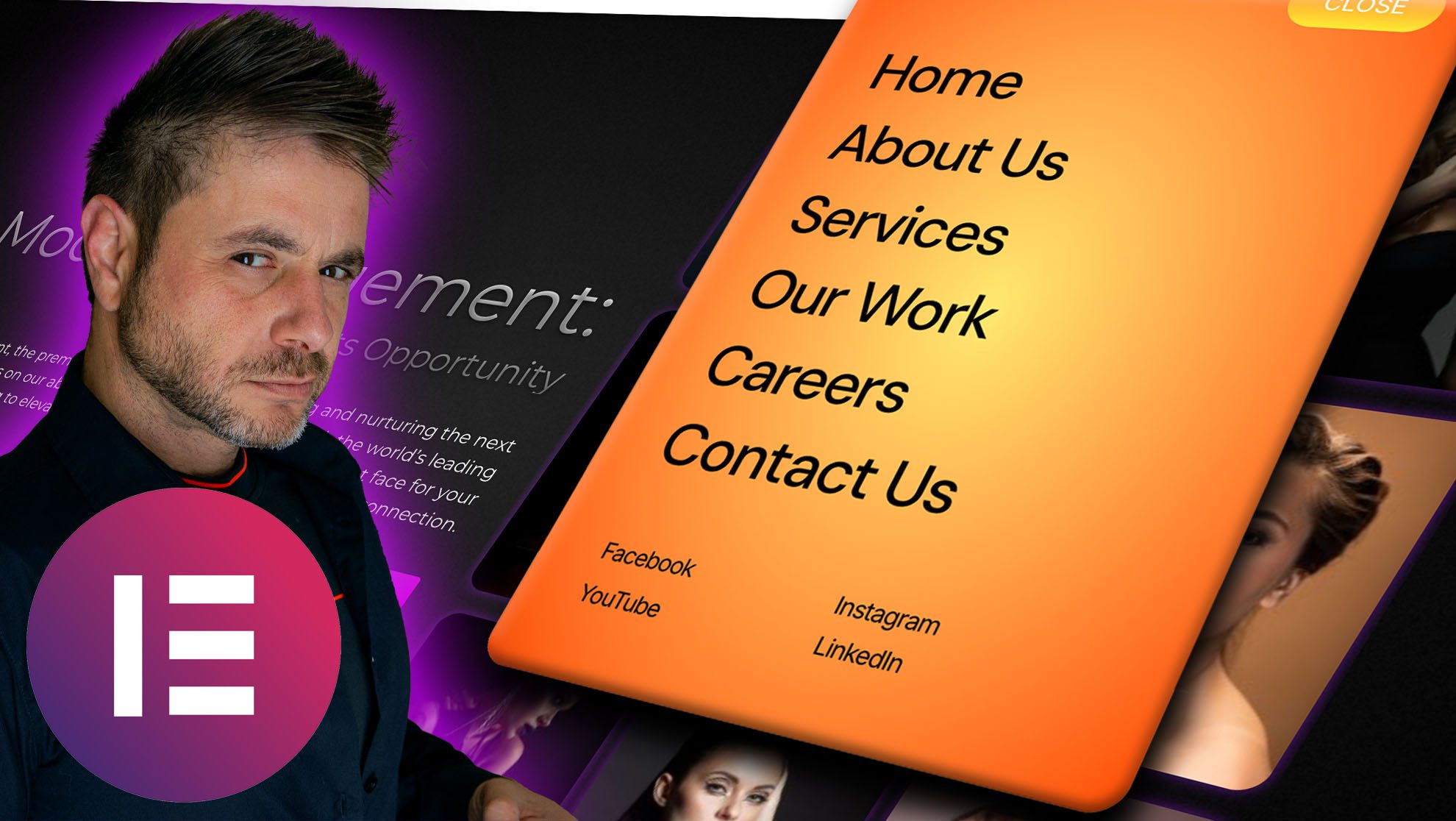
You drop it into a section in Elementor, point it at a WordPress menu (you’ve got one already), and open the panel. On click it takes over the whole screen — a kicker line, a headline, a paragraph, a CTA, and your social row beneath it. Every one of those is a text field. I have never once written a line of CSS to make that happen, and neither do you.
Here’s the part that sold me. It’s not a menu, exactly. It’s a small full-screen landing panel that happens to carry navigation. That’s the difference between a doorway and a moment — and this is the moment one.

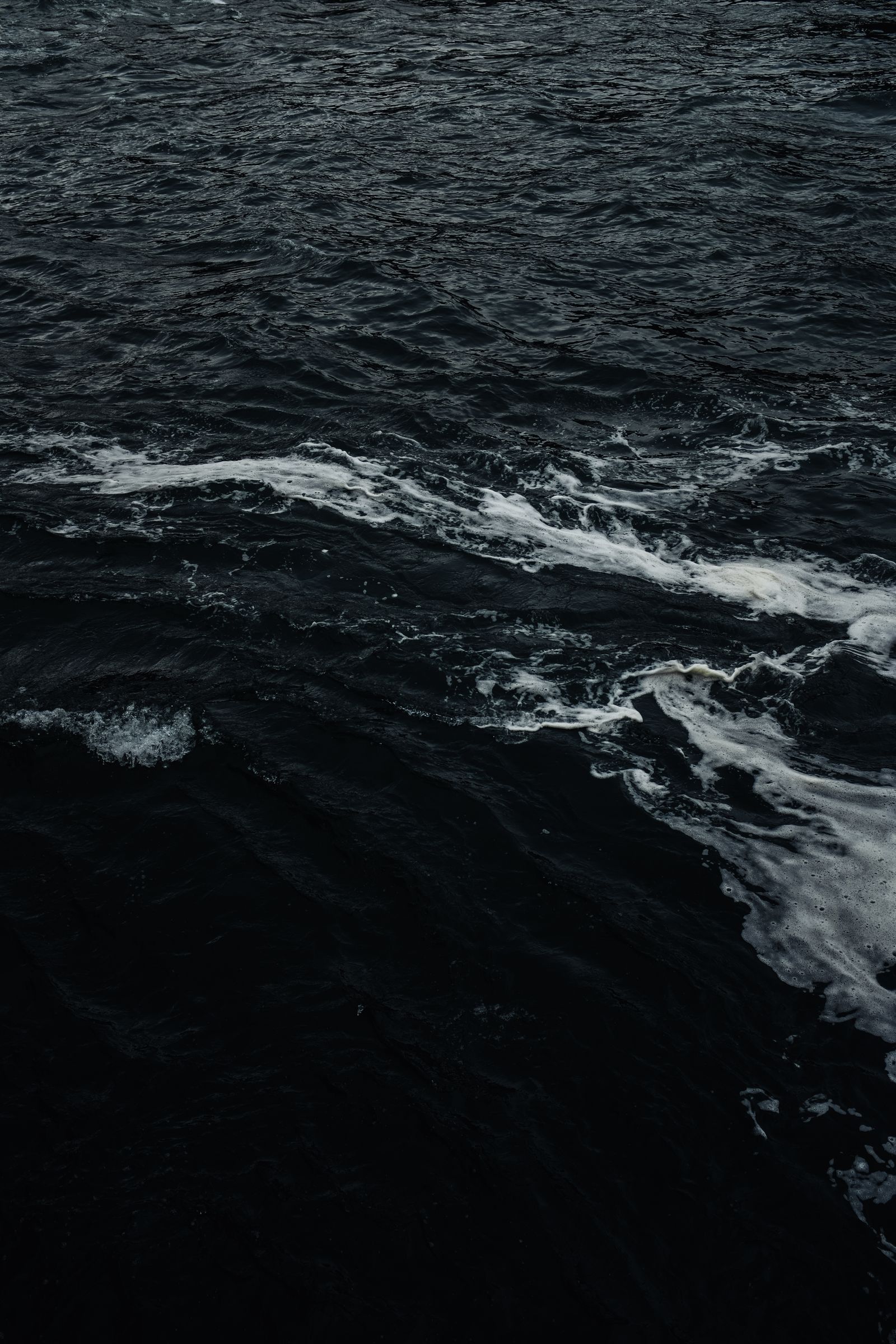
In the Style tab there’s a control called Surface Motion with eleven options. Abstract Waves, Flowing Nebula, Digital Rain, Refractive Shards, Liquid Morph — I keep coming back to the waves one. It reads like the surface of a pond after someone’s dropped a stone, and it moves slow, which is exactly the point.
The three controls that actually matter when you’re tuning it: Animation Speed, Effect Colour, Effect Opacity. I leave Animation Speed alone — it’s restrained by default and I usually agree. Effect Colour is your brand colour, so pull it from the site and move on. Effect Opacity is the one I touch. Turn it down until the surface sits quietly behind the nav and the copy does the talking, and stop. That’s the whole pass.
The short version: a full-screen overlay menu with a kicker, headline, description, CTA and social row, plus eleven animated Surface Motion options — all in a drag-and-drop Elementor widget. No custom JS. No custom CSS. Pick a motion, tune the colour, done.
Most fancy-menu tutorials stop at the animation. This one keeps going, and that’s the reason it reads as a designed page rather than a plugin. Under the nav there’s a whole second column: a kicker, a headline, a paragraph, and a button. Then a row of meta links — Instagram, Behance, LinkedIn, Contact by default, and you can add more.
So the overlay isn’t a doorway, it’s a small landing panel that happens to navigate. I use the kicker for a short label, the headline to say in plain words what the site is, and the CTA to push people to the next step. That’s the difference between “here’s the sitemap” and “here’s who we are, and here’s what to do next.”
There’s plenty you could touch — panel width, radius, the backdrop colour, the trigger background, the hover states. I leave most of it. The trigger looks good enough out of the box and the close chip is fine. Two I almost always set: the trigger text (I want it to say “See the work” or “Start a project”, not the default) and the CTA link, which is wherever I actually want people to go.
It’s a Pro widget — the free tier already gives you an Advanced Menu if you need the simpler off-canvas job — but this is the full-screen, copy-carrying one. And it runs on free Elementor. Pro is optional. That’s a lot of the reason it’s in my stack.
Creative Overlay Menu is a Pro widget, but the free tier already has the Advanced Menu for simpler off-canvas jobs — install the plugin, pick a widget, and the motion is there.
No. Reboot Addons works on the free Elementor plugin — Pro is optional and can stay active. The Creative Overlay Menu itself is a Pro-tier widget; the free tier gives you the Advanced Menu for simpler navigation.
You could have. A lot of these menus live or die by hand-rolled animation work — the timelines, the easing curves, the lot. Here it’s already built and the animation library ships with the plugin. You pick from eleven Surface Motion options and tune a few controls. That’s the whole build.
Worth knowing before you judge it: in the editor it opens in place, scrolling inside the widget area. On the live site it opens as a full-screen overlay. So if it looks “small” in preview, don’t trust the preview — check the front end.
It’s designed for it. The overlay ships with kicker, headline, description and CTA as first-class fields, plus your own meta links. It behaves like a full-screen panel that also navigates, which is exactly why it reads well on a portfolio or a launch page.
Effect Opacity is the lever. Turn it down until the surface sits quietly behind your nav and the copy does the talking. Animation Speed and Effect Colour are the two smaller knobs. That’s the entire tuning pass — I’ve never needed a fourth.
You don’t owe every menu a dramatic entrance. Some pages want a clean drop-down and that’s the right call. The portfolio index, the agency home, the one page that’s actually your moment — those are where the overlay earns its keep. A few fields, a motion pick, and the site finally shows off the way the work does.
It’s one widget in the navigation family, alongside the App-Style Menu and the Image Reveal Menu — all in the Reboot Addons navigation row. And if the menu is the last 10% of the page and the rest of it needs the same no-custom-CSS treatment, the card widgets post picks up that thread.