The Creative Overlay Menu in Elementor — A Full-Screen Menu That Shows Off
Reboot Addons' Creative Overlay Menu: a full-screen Elementor menu with kicker, headline, CTA and eleven animated surface options. No custom ...



Reboot Addons' Creative Overlay Menu: a full-screen Elementor menu with kicker, headline, CTA and eleven animated surface options. No custom ...

R749, R999, R1499 or R1999 a month — what each Reboot Websites package actually builds, and why the gap between ...

Advanced Text FX gives you 58 text-in effects in one Elementor widget — scramble, typewriter, glitch, neon, and a whole ...
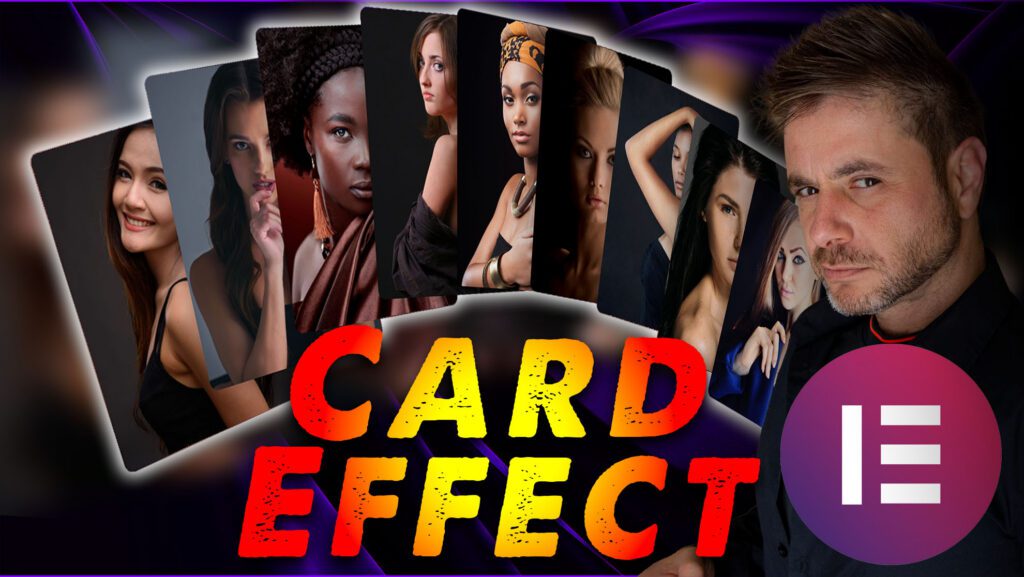
Seven content widgets plus all six form stylers that build card effects, carousels, and styled forms without writing JS. Widget ...
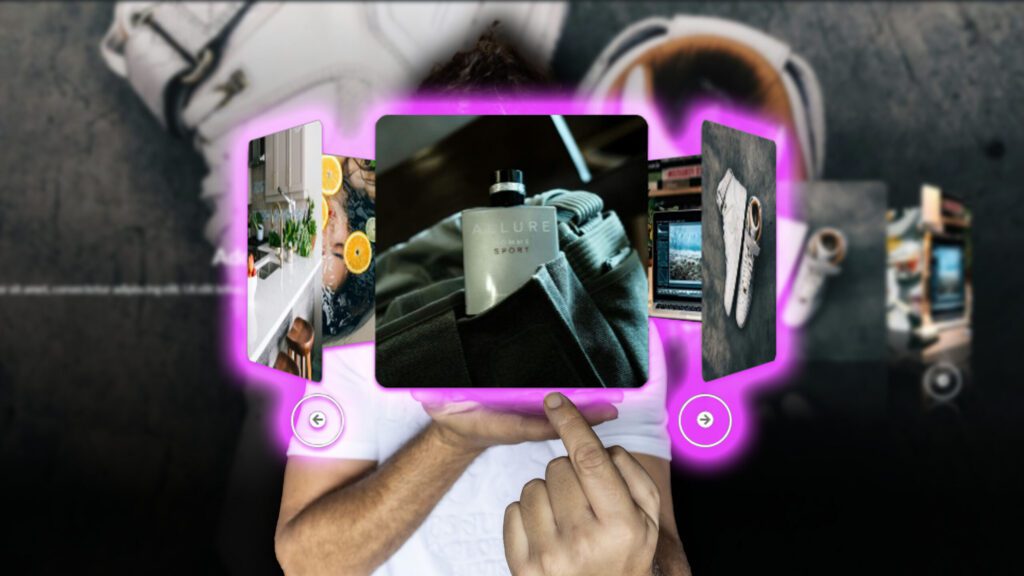
You want a 3D carousel with text on it. Not the flat one — that Elementor’s slider handles fine. The one where the cards actually sit in space, the front card big and sharp and the ones behind falling away like they would if they were real, and a headline glued to that front card. Do that with custom JS and it costs you an afternoon, and one client’s browser where it falls apart right when the client opens it. I’ve watched enough of that to just build it as a widget. That’s the 3D carousel with text in Reboot Addons.
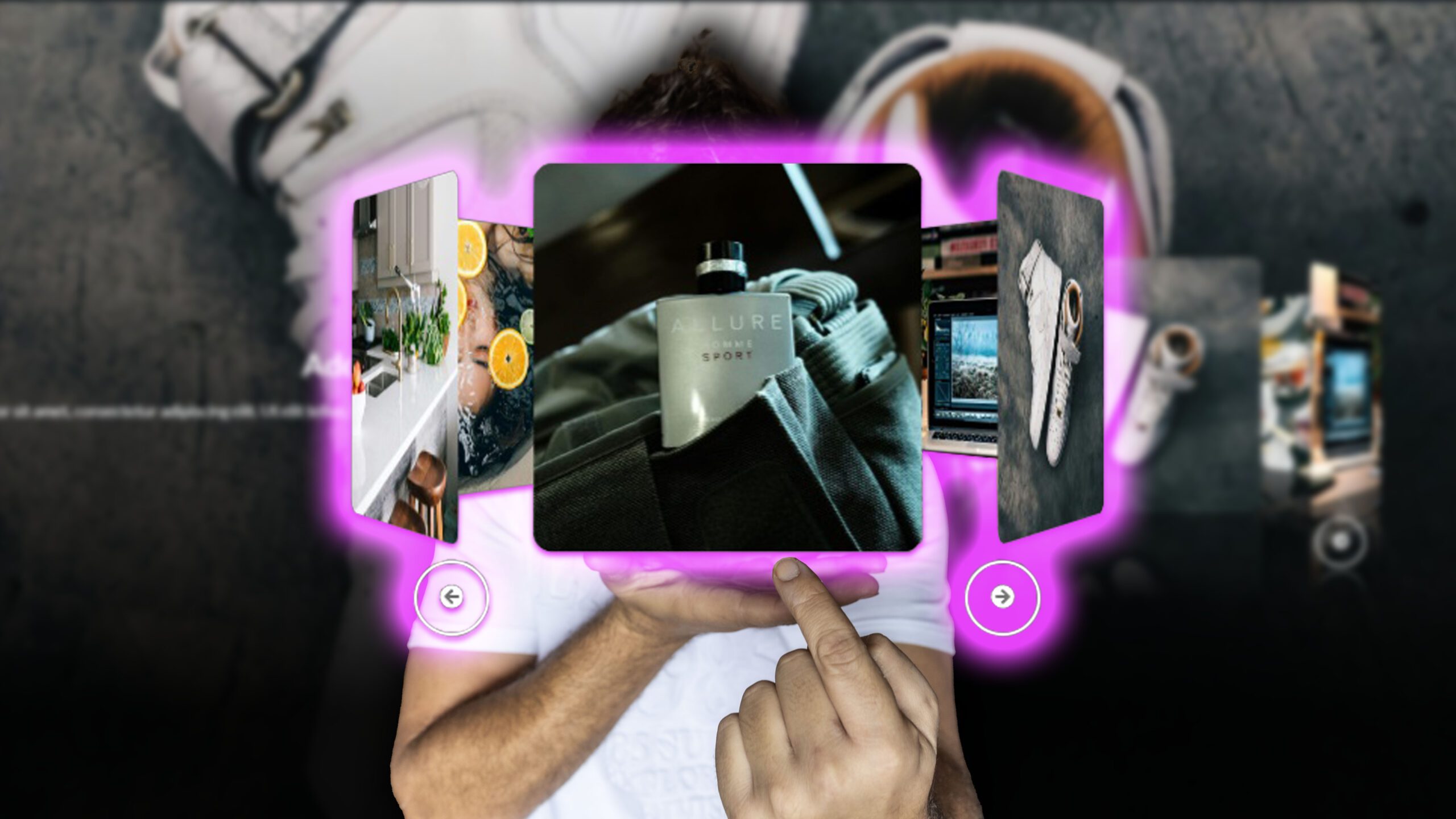
It’s all CSS. Perspective, a rotateY on the ring, and a little bit of jQuery turning it over time. No GSAP, no scroll library, none of that machinery. Which is the point, honestly — there’s nothing to load, nothing positioned off your scroll to fall out of sync, and it can’t do the thing scroll-timelines are bad at, which is breaking because an element moved. It just spins. The depth is geometry doing the work, not an animation pretending it’s depth.
Depth Strength — 0.1 to 3, default 1. Turn it up and the back cards pull further away and get dimmer. I usually leave it at 1 or 1.2. Push it to 3 and the front card ends up doing all the talking and the rest is a smudge behind it.
Carousel Position — left or right side of the stage. Defaults to right. Pick whichever side reads better with what’s next to it.
Animation Speed — this one’s 1 to 100, default 20, and higher spins faster. Don’t max it. A 3D carousel spinning fast reads as a slot machine, not a showcase. It auto-plays and pauses when you hover over it — that’s the out-of-the-box default and it’s the right one for a hero you expect people to read.
This one — the with-text version — is for when the card has to say something. A headline, maybe a line of description, a button on it. A product, a project, a step in a “how it works” thing.

The buttons sibling drops the words entirely and gives you arrows instead — position the arrows top, left, bottom or right, pick their colour, and the spin’s in milliseconds rather than seconds. Use that one when the cards are something you tap: product tiles, “read more” items. Don’t force a headline onto a product card just because it fits. Decide by what the card is supposed to do.
It’s fine. The 3D stays put. On a small screen the stage flips to a single column, the images cap out at 62% of the viewport so the front card doesn’t swallow the whole phone, the scale eases back to 0.9 and the gap between cards tightens to 16px so they stop sitting on top of each other. You don’t build a separate mobile version for this. And if it does look cramped, the first fix isn’t shrinking the effect — it’s cutting the cards down. Too many cards at high depth is just a blur.
A couple of the other toggles, briefly. Reflection adds a glow-and-mirror under the cards. Lightbox makes a card image open on click, which is handy when the carousel is a portfolio strip and someone wants to see the shot properly.
A product or service hero where each card earns its place. A “how it works” you’d rather rotate than list. A case-study strip where the front card is the work and everything behind it is context. If it’s a plain row of logos, use the free one — you don’t need text on a logo strip, that’s just the image ring.
Free vs Pro is one line: the plain image ring is free, the with-text and with-buttons versions are in Pro. It’s in Reboot Addons for Elementor, in the WordPress plugin directory — grab the free build, and the Pro one has the text and buttons versions. If you’ve been faking a 3D carousel with a rotate and a prayer, this is the version where it just works.
The plain image ring is in the free Reboot Addons. The with-text and with-buttons versions are Pro. Grab the free build from the WordPress plugin directory.