


How To Make A Vertical 3D Gallery Slider
So if you follow along in the video, I refer to this blog post for you to enter code at ...
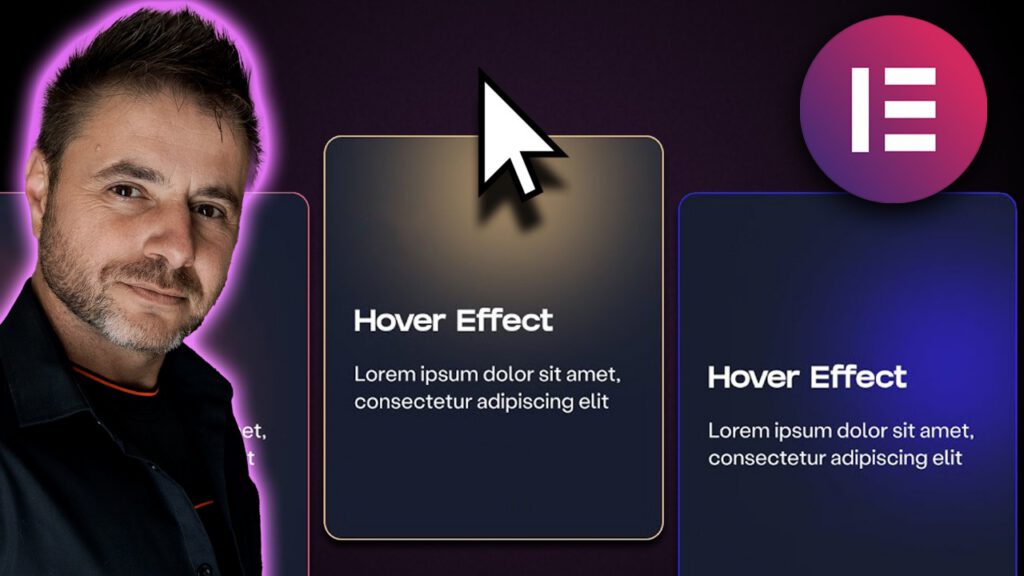
So if you follow along in the video, I refer to this blog post for you to either enter code at certain points into the HTML widget or in the Custom CSS option inside the container, so below is everything you will need!
You can download the complete template here
The css code used in the Main Card Container that houses the 3 inner containers for the glow effect.
This is put into the Custom CSS tab under Advanced Settings of the Card container:
selector {
--blob-size:250px;
}
selector .mycontent{
backdrop-filter: blur(80px);
height: 100%;
}
selector .glow{
width: var(--blob-size);
height: 80%;
left: calc(50% - calc(var(--blob-size)/2));
filter: blur(40px);
z-index: -1;
opacity: 0;
transition: opacity 300ms 300ms linear;
}
selector .glowtrack {
visibility: hidden;
z-index: -1;
height: 100%;
}
This id the code to put into the HTML widget under the cards section: