


Entrance Animations for Any Widget Or Container | Elementor Tutorial

How To Make A Vertical 3D Gallery Slider

So if you follow along in the video, I refer to this blog post for you to enter code at ...
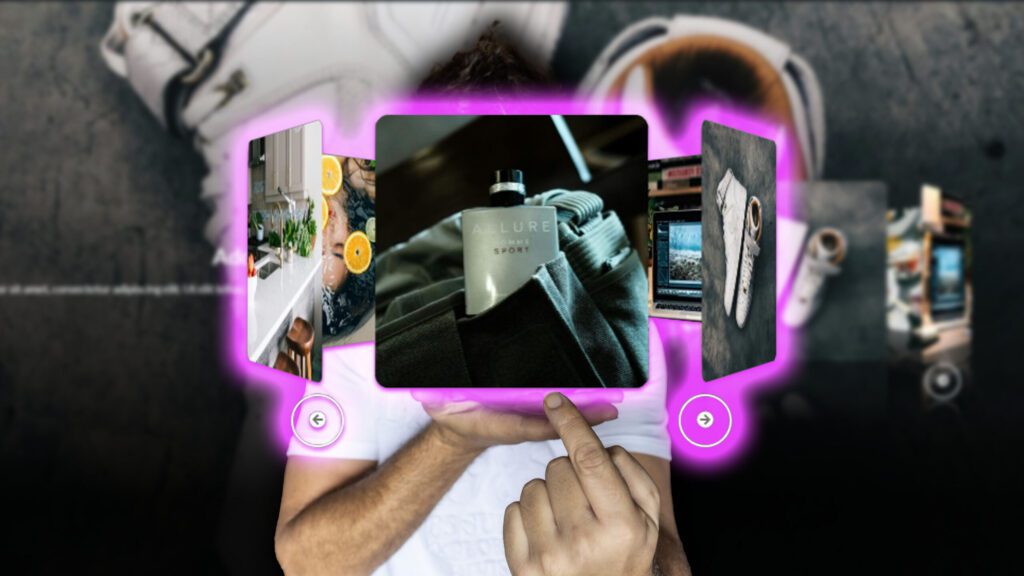
Read More

How To Make A Horizontal 3D Gallery Slider

So if you follow along in the video, I refer to this blog post for you to enter code at ...
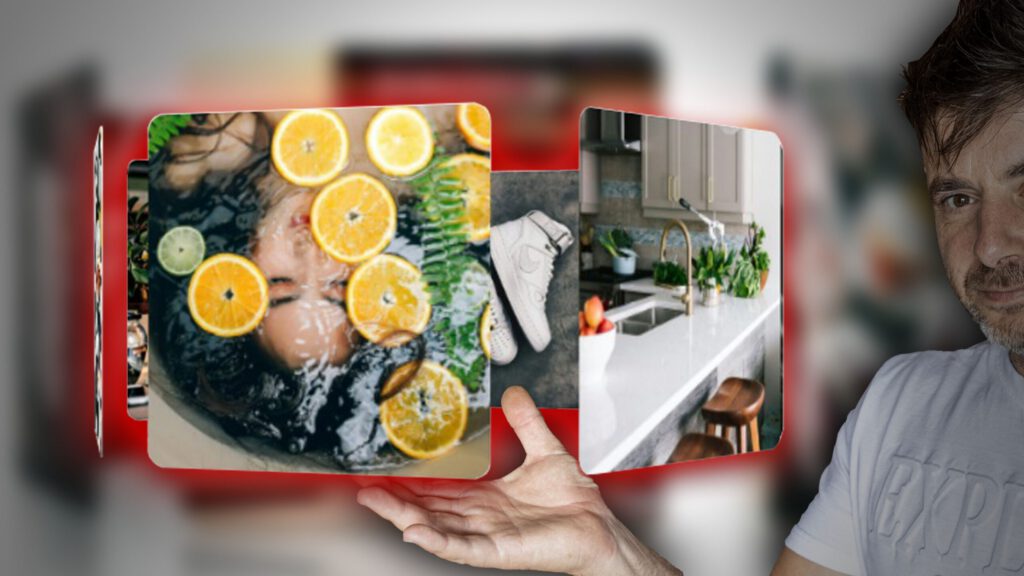
Read More

How To Make A Auto Rotating 3D Carousel

So if you follow along in the video, I refer to this blog post for you to enter code at ...
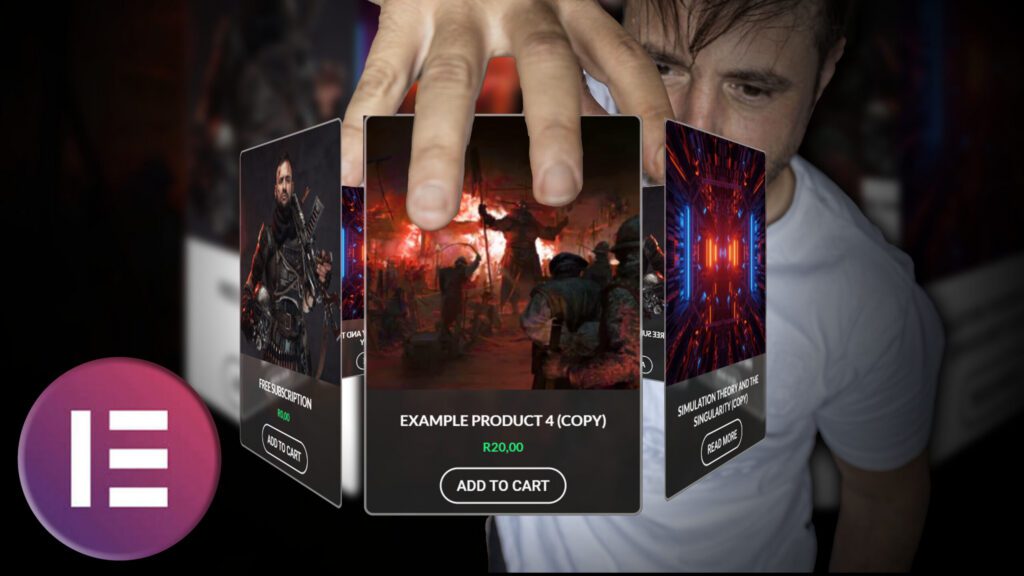
Read More

How To Make A 3D Carousel For Products

So if you follow along in the video, I refer to this blog post for you to enter code at ...

Read More

So if you follow along in the video, I refer to this blog post for you to enter code at certain points, so below is everything you will need!

Here are some masks to help you in this tutorial:

The Following are the css class names I used in the tutorial:

				
					custom-mask-entrance


The Following code goes into the HMTL widget:

				
					<script>

(function($) {
    $(document).ready(function() {
        const $containers = $('.custom-mask-entrance');
        
        const observer = new IntersectionObserver((entries) => {
            entries.forEach(entry => {
                if (entry.isIntersecting) {
                    const $target = $(entry.target);
                    const $before = window.getComputedStyle($target[0], '::before');
                    const beforeBg = $before.backgroundImage;
                    
                    if (beforeBg && beforeBg !== 'none') {
                        $target.css({
                            'mask-image': beforeBg,
                            '-webkit-mask-image': beforeBg,
                            'mask-size': 'cover',
                            '-webkit-mask-size': 'cover',
                            'mask-repeat': 'no-repeat',
                            '-webkit-mask-repeat': 'no-repeat',
                            'mask-position': 'center',
                            '-webkit-mask-position': 'center',
                            'opacity': '1'
                        });
                        
                        // Hide ::before after animation
                        setTimeout(() => {
                            $target.css('--before-opacity', '0');
                        }, 0.1); // Adjust timing as needed
                    }
                    
                    observer.unobserve(entry.target);
                }
            });
        }, {
            threshold: 0.2
        });

        // Add style for ::before opacity control
        const style = document.createElement('style');
        style.textContent = `
            .custom-viewport-mask-image {
                --before-opacity: 0;
            }
            .custom-viewport-mask-image::before {
                opacity: var(--before-opacity);
                transition: opacity 0.3s ease;
            }
        `;
        document.head.appendChild(style);

        $containers.each(function() {
            observer.observe(this);
        });
    });
})(jQuery);
</script>


ROGUE AI
Hello! How can I help you today?